Admin: Activity
Use this page to see what's changed in your organisation, and when support or your distributor viewed your web account.
Open Admin → Activity. You need the Customer Admin role.
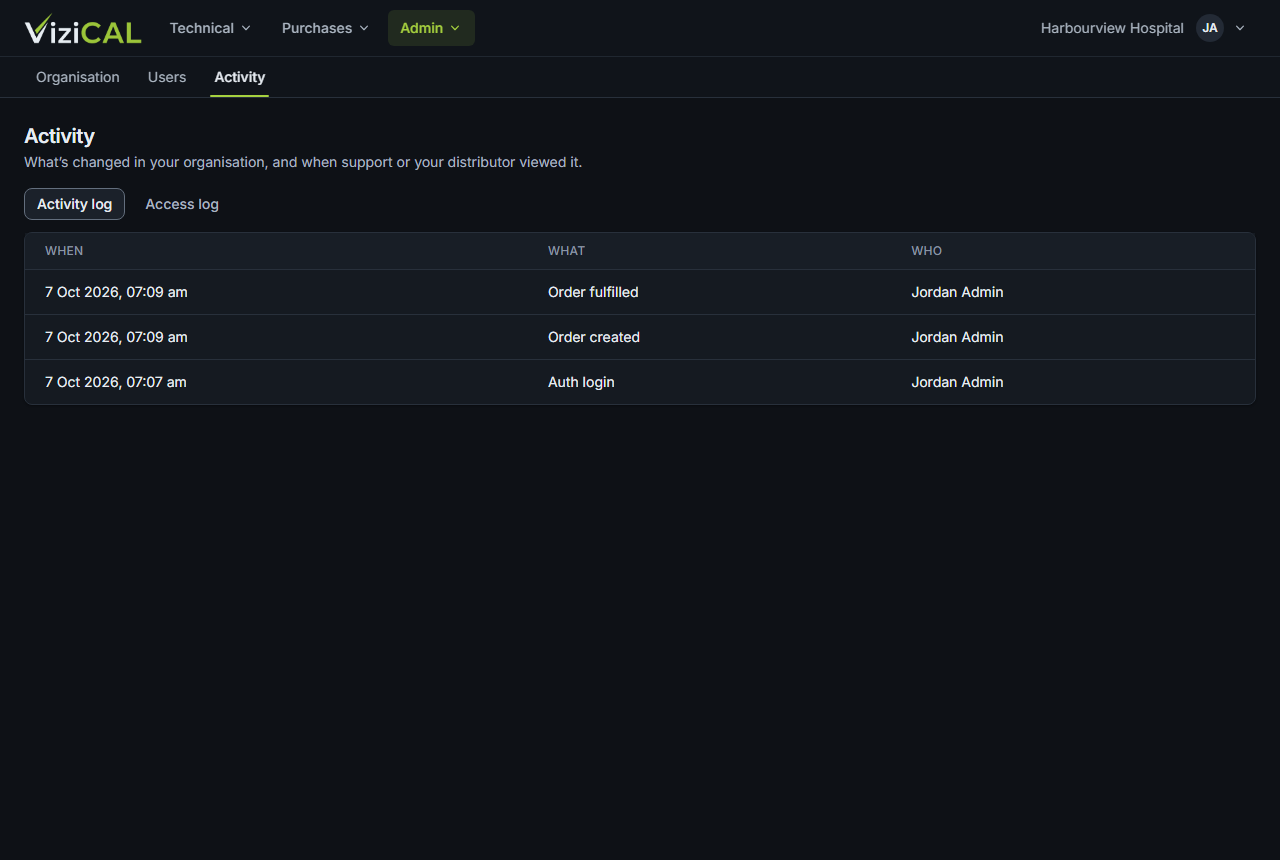
Activity log
Activity log lists changes, newest first: When, What (for example Calibration record updated) and Who. Changes made by support or your distributor show who they acted for.
Access log
Access log lists each time someone from support or your distributor viewed your web account as one of your users: when it Started and Ended, By whom, who they Viewed as, and the Reason.
To allow or stop your distributor viewing your web account, see Support access.