My account
Use this page to change your name, phone number and password, and to manage two-factor authentication.
Click your name at the top right, then My account. The page shows your email address and role.
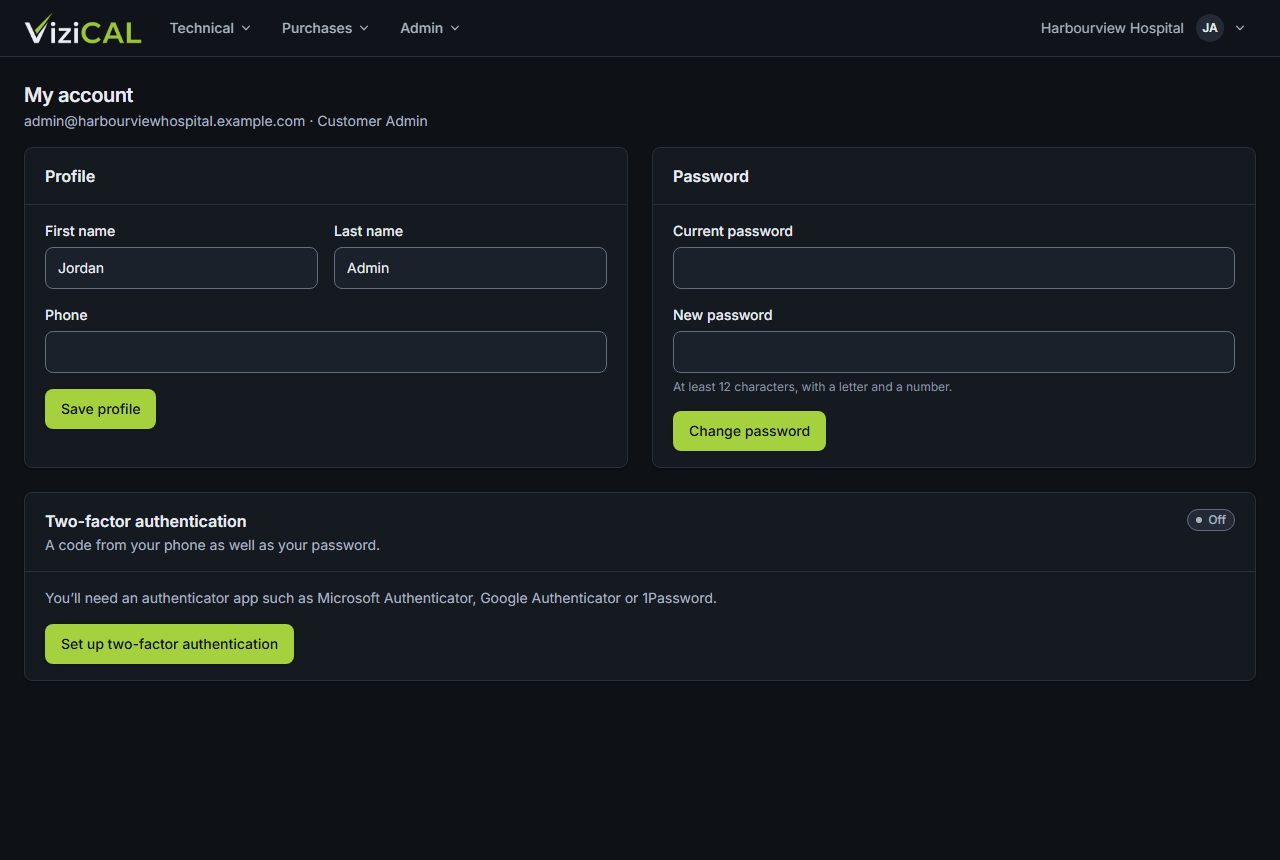
Profile
- Change your First name, Last name or Phone.
- Click Save profile.
Your email address can't be changed here.
Password
- Type your Current password.
- Type a New password: at least 12 characters, with a letter and a number.
- Click Change password.
You stay signed in here. Your other sessions, for example on another computer, are signed out.
Two-factor authentication
See Sign in and two-factor authentication.