Purchases: Orders
Use this page to see your orders, download invoices and check renewals.
Open Purchases → Orders.
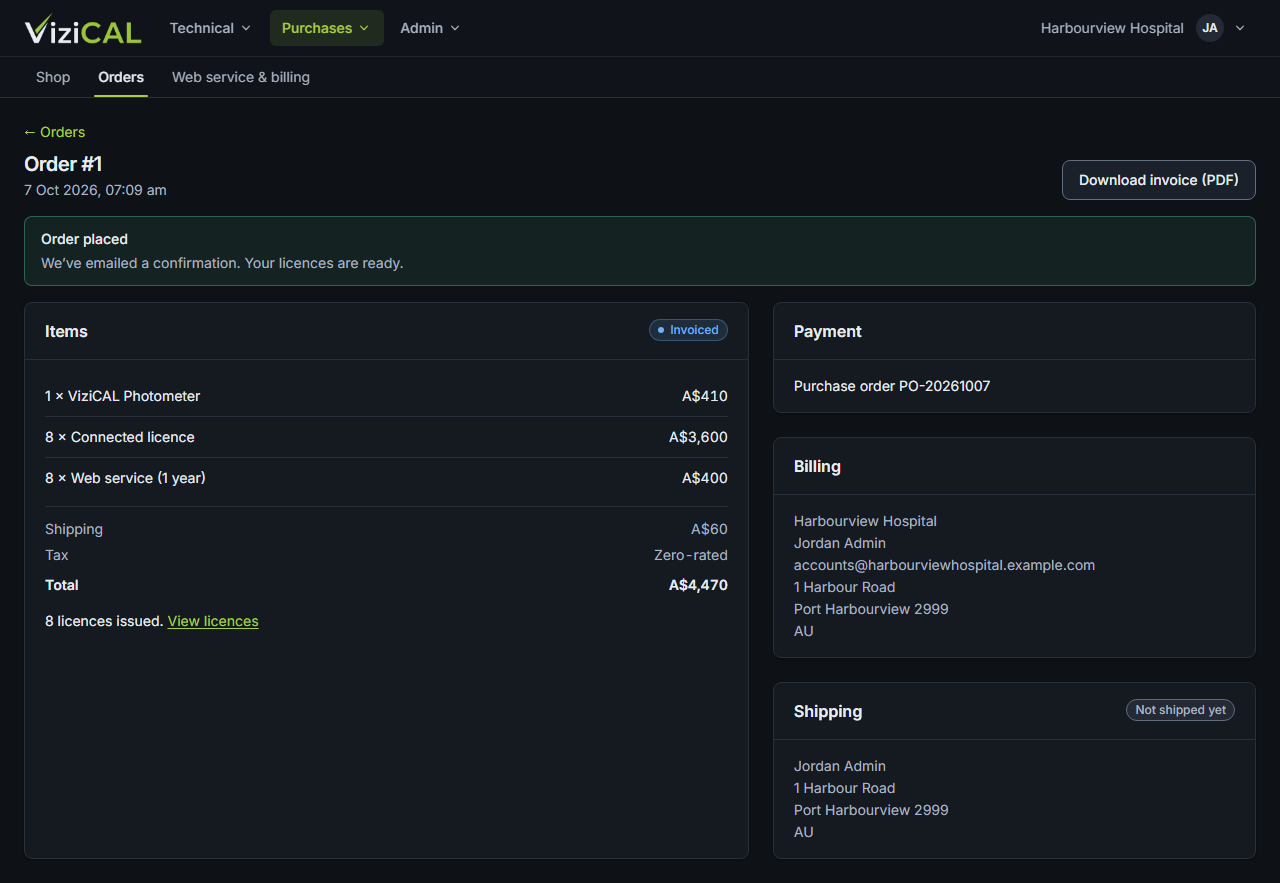
The orders list
Each order shows its number, date, total and status:
| Status | Meaning |
|---|---|
| Awaiting card payment | The order was placed but the card payment hasn't finished. |
| Invoiced | You'll pay by purchase order. An invoice has been made. |
| Paid | Payment has been received. |
| Cancelled | The order was cancelled. |
| Refunded | The order was refunded. |
An order's page
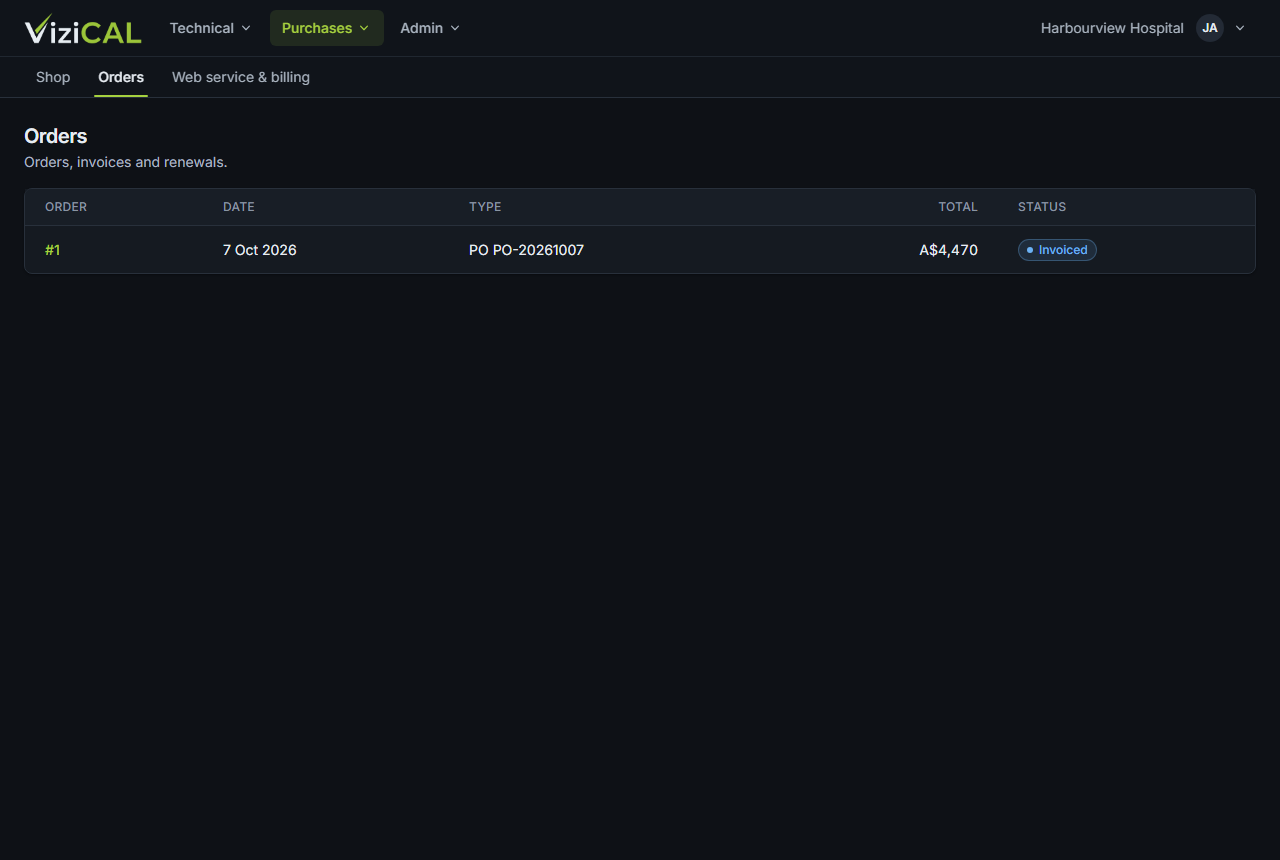
Click an order to see its Items, totals, Payment, Billing and Shipping details.
- Download invoice (PDF): download the invoice.
- View licences: see the licences from the order in Technical → Licences.