Technical: Downloads
Use this page to download the ViziCAL app and its updates.
Open Technical → Downloads. You need the Customer Admin or Technical role.
Download the app
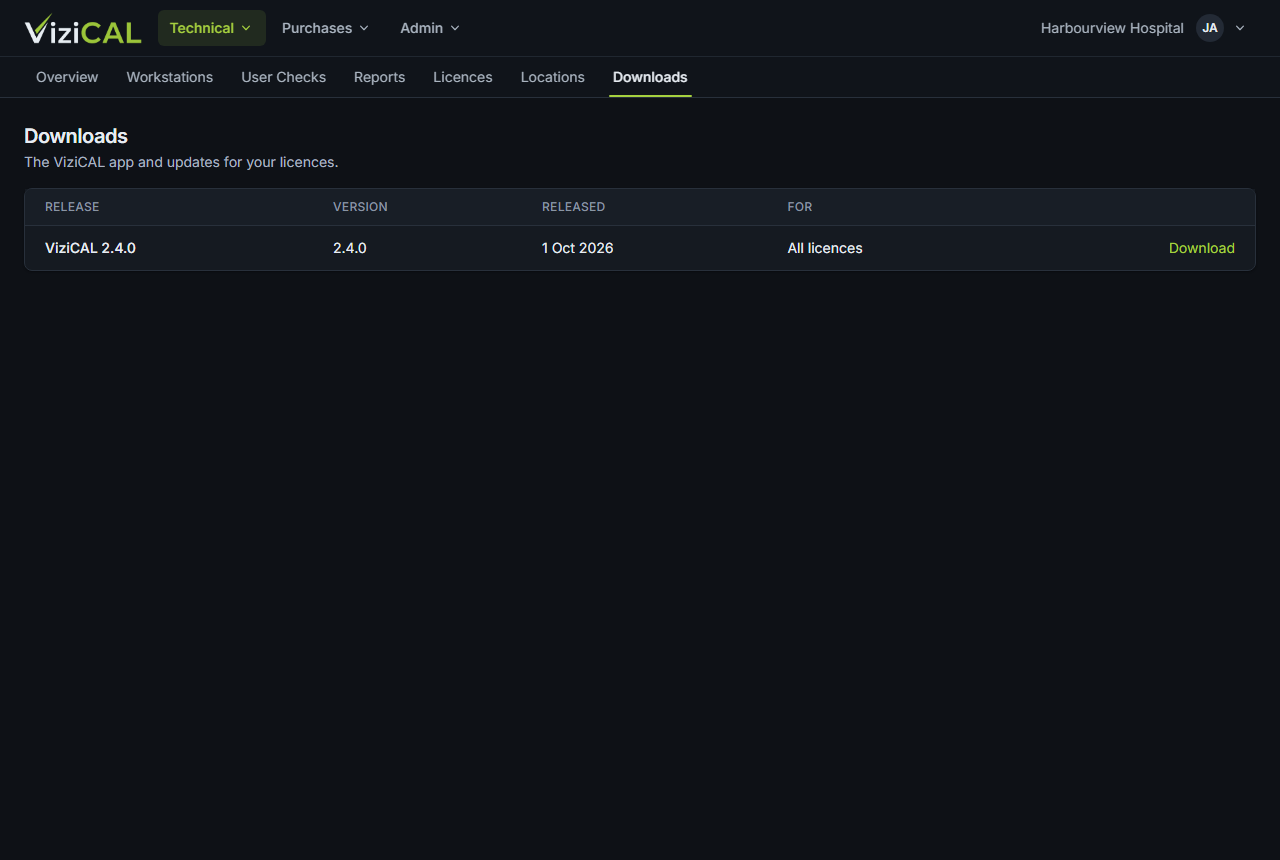
- Find the latest ViziCAL release. Check its Version and Released date. For says whether it's for all licences or for connected licences only.
- Click Download.
Then install it as described in Install the app.
If the page says No downloads are available for your licences yet., your organisation doesn't have a licence yet. Buy one in Shop, or ask your distributor.